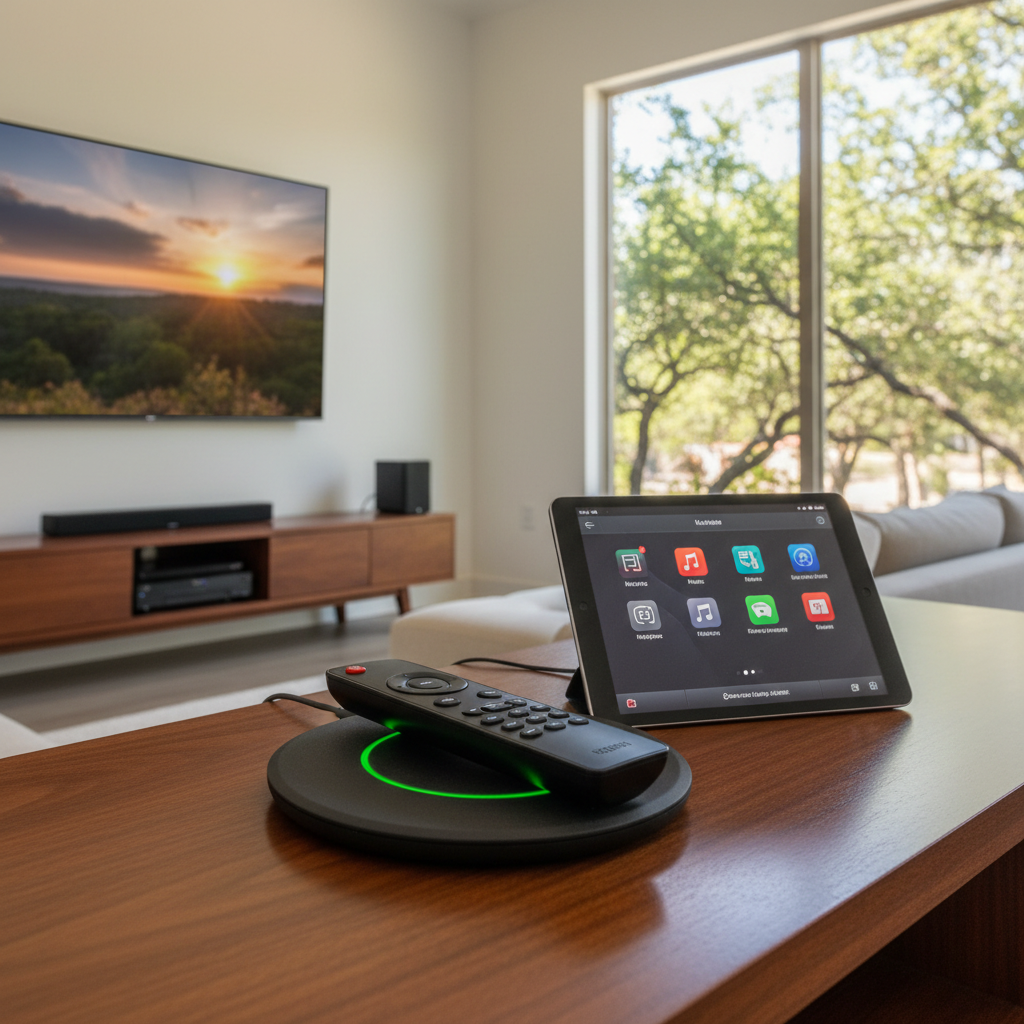
You've got a universal remote, right? Maybe I set it up for you, or maybe you tackled it yourself. Either way, it's a pretty sweet piece of tech that brings all your entertainment gear under one thumb. But like anything electronic, it's not a 'set it and forget it' deal if you want it to last. You gotta give it a little love. I've seen countless folks get frustrated when their remote starts acting up, and often, it's something simple that could've been avoided with a bit of regular care.
Extending Your Remote's Lifespan
First things first, let's talk about keeping this thing alive and kicking for years. It's not rocket science, but it makes a big difference. Think about where your remote lives. Is it constantly getting knocked off the coffee table? Is it sitting in direct sunlight by a window? Heat and physical abuse are the enemies of electronics, and your remote is no exception. Try to keep it in a designated spot, maybe a remote caddy or a small tray. This not only protects it from drops but also makes it easier to find when you're ready to binge-watch.
Battery choice matters, too. Don't cheap out on off-brand batteries. They can leak, and that corrosive gunk can absolutely destroy the internal circuitry of your remote. Stick with reputable brands like Duracell or Energizer. And if you're going away for an extended period, like a summer trip to the coast, pull the batteries out. Our San Antonio humidity, especially when combined with temperature swings, can accelerate battery corrosion.
Cleaning is another big one. Remotes get grimy. They pick up skin oils, dust, and whatever crumbs fell off your popcorn. Use a soft, slightly damp (not soaking wet!) microfiber cloth to wipe down the exterior. For the nooks and crannies around the buttons, a cotton swab lightly dampened with rubbing alcohol works wonders. Just be gentle. Don't spray cleaner directly onto the remote; spray it onto the cloth first.
Regular Maintenance: What You Should Be Doing
Okay, so you're keeping it clean and safe. What else? Regular battery checks are crucial. Most universal remotes will give you a low battery warning, but don't wait for that. If you notice the remote becoming sluggish, or you have to press buttons multiple times, it's probably time for fresh batteries. I usually tell folks to swap them out every 6-12 months, even if they seem okay. It's cheap insurance.
Sometimes, your remote might just need a reset. It's like restarting your computer when it's acting funny. For most universal remotes, you can usually pull the batteries out, wait 30 seconds, and then put them back in. This often clears up minor glitches or responsiveness issues. If your remote has a specific reset button or procedure, check the manual. You'd be surprised how often this simple trick fixes things.
Also, keep your remote's firmware updated if it's a smart remote that connects to Wi-Fi. Manufacturers often release updates that improve performance, add features, or fix bugs. This usually happens through an app on your phone or computer. It's not something you need to do weekly, but check every few months.
Warning Signs: When Something's Not Right
How do you know if your remote is on its last legs? There are a few red flags you should look out for. If you're constantly replacing batteries, like every month or two, something's draining them. That's not normal. It could be a short circuit inside the remote or just a faulty unit.
Another sign is inconsistent button presses. You push 'volume up,' and nothing happens, or it goes up two notches instead of one. Or maybe certain buttons just stop working altogether. This can be due to dirt under the buttons or, worse, failing internal contacts. If cleaning doesn't fix it, you've probably got a hardware issue.
If the remote feels hot to the touch, even when it's not being used, that's a definite warning sign. Heat usually means something's wrong internally, and it could be a fire hazard, though that's rare with remotes. But still, don't ignore it.
And of course, if the remote physically breaks – a cracked screen, a button falls off, or it's been submerged in a glass of iced tea (it happens more than you'd think in the summer heat!) – then you know it's time to consider a replacement.
When to Call a Professional
Look, I'm all for DIY, but there are times when you just need to call in the cavalry. If you've tried new batteries, cleaned it thoroughly, and done a reset, and your universal remote is still acting up, it might be time to get a pro involved. Especially if it's a more advanced, programmed remote that controls a whole home theater system, like the ones San Antonio Home Theater Pros installs.
Sometimes the issue isn't even the remote itself, but the devices it's trying to control. Maybe a receiver isn't responding correctly, or an IR blaster has shifted. A professional can diagnose whether the problem is with the remote, the programming, or one of your components. We've got the tools and the know-how to test everything and get to the bottom of it quickly.
If your remote stops communicating with your devices after a power surge, or if you've had a lightning strike nearby (we get those crazy storms here, especially in the spring), the remote itself might be fried, or its programming could be corrupted. That's definitely a job for someone who understands the intricacies of home theater systems.
Don't let a faulty remote frustrate you. A little maintenance goes a long way, but when you're stumped, don't hesitate to reach out. We're here to help keep your entertainment running smoothly.